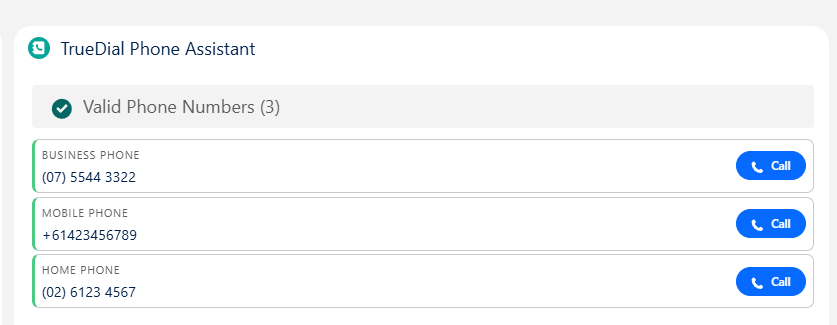
TrueDial Phone Assistant
The Phone Assistant relies on Phone Configurations. Ensure these are setup before adding this component.
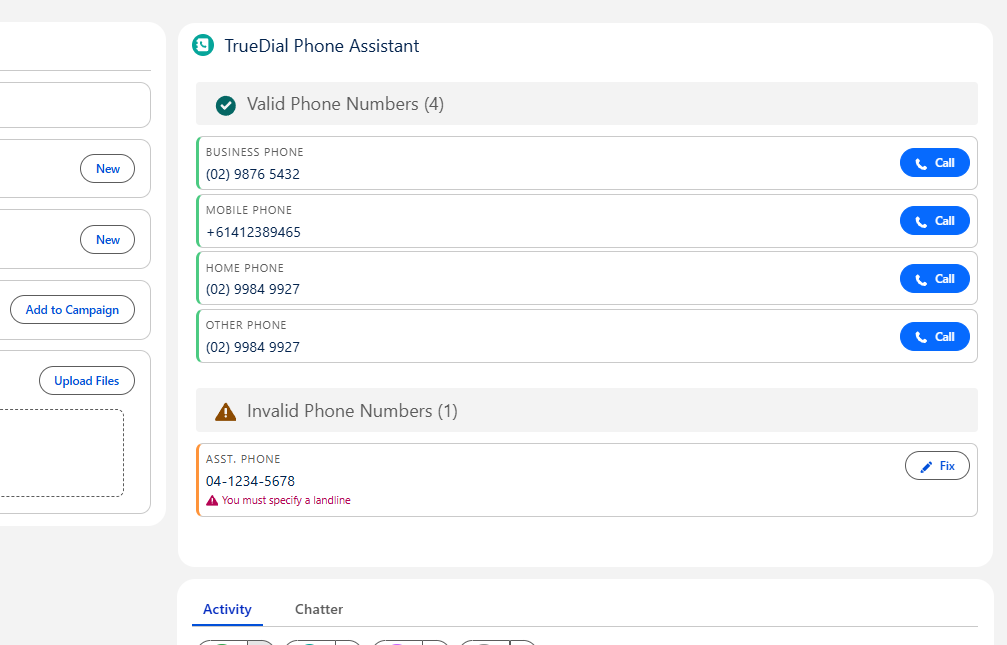
The TrueDial Phone Assistant helps users fix and interact with phone numbers on a record. It supports the ability to:
- Fix Numbers that are deemed invalid
- Format Numbers that do not match the configured formatting for a specified number
- Dial numbers through standard telephony protocols
Configuration
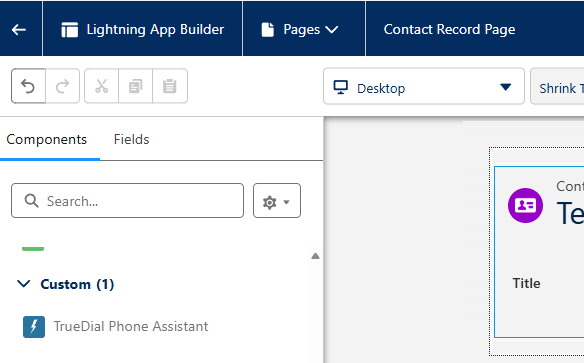
To configure the assistant component, navigate to a record for the object you want to configure, then navigate to Setup > Edit Page.
Add the TrueDial Phone Assistant component onto the page.
There are various options you can configure when adding the component:
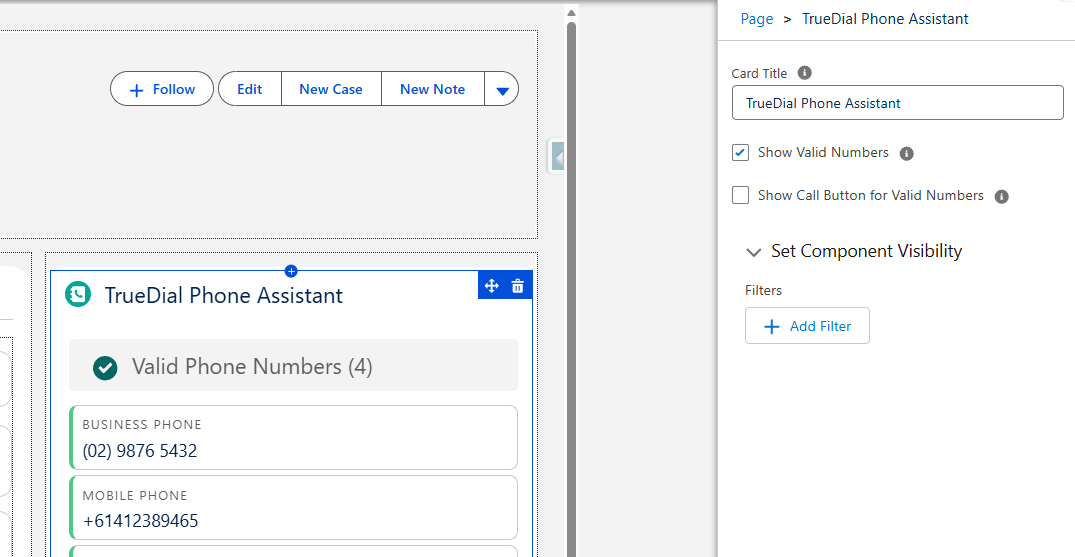
| Option | Description |
|---|---|
| Card Title | Sets the title of the component on the page. Defaults to TrueDial Phone Assistant |
| Show Valid Numbers | Shows Valid Numbers on the component. Can be useful if you want to show all valid numbers, for the purposes of telephony. Or alternatively, disabling this allows users to only be surfaced phone numbers requiring fixing. |
| Show Call Button for Valid Numbers | Shows a Call button for valid numbers that can be used by standard telephony mechanisms compatible with your browser. |
Once finished, make sure you Save the page and Activate the page if prompted.
Fixing Invalid Numbers
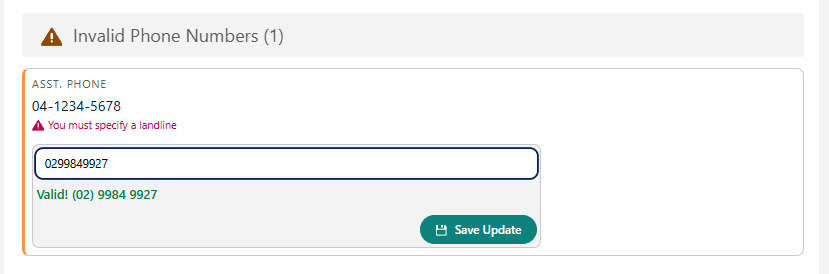
To fix an invalid number, click the Fix button.

Provide a new or updated number, if valid, the number will be shown in green. Click Save Update to save the number.
Formatting Existing Numbers
If a pre-existing number does not match the configured format for that phone number field, a Format button is shown.
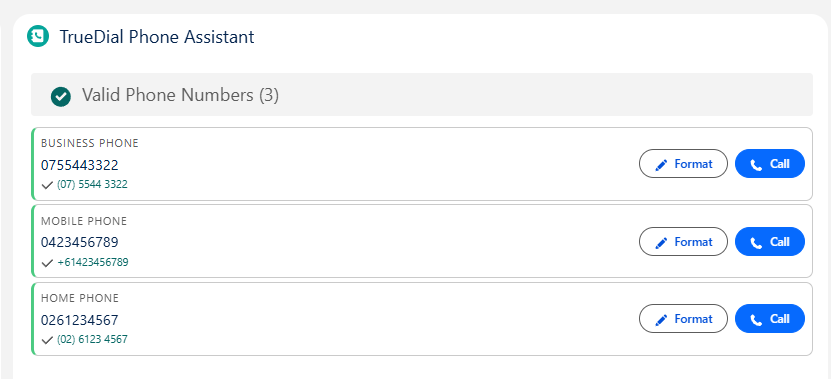
Phone Numbers are formatted based on what is configured in Phone Configurations.