Getting Started
Install TrueDial
To install TrueDial, please visit the Salesforce® AppExchange and follow the provided installation process.
Configure Connected App
You must complete this step if you intend on setting up validation/formatting configurations for standard or custom objects.
In order for TrueDial to provide no-config validation and formatting, we must configure the TrueDial Token connected app.
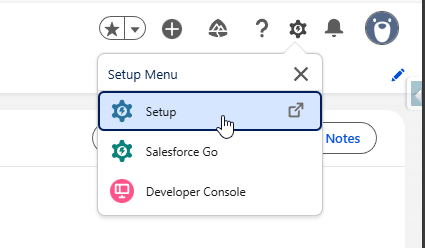
- Navigate to Setup
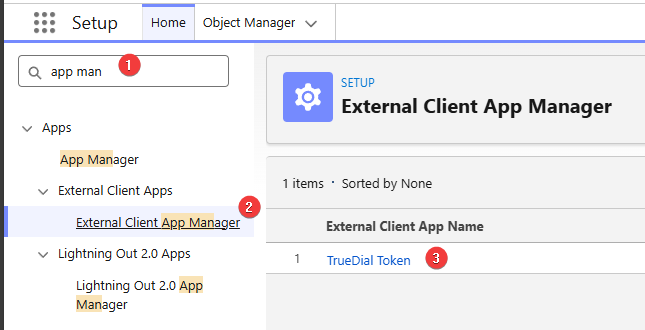
Then, search for External Client App Manager and select TrueDial Token
Click Edit, then under OAuth Policies, select Admin approved users are pre-authorized

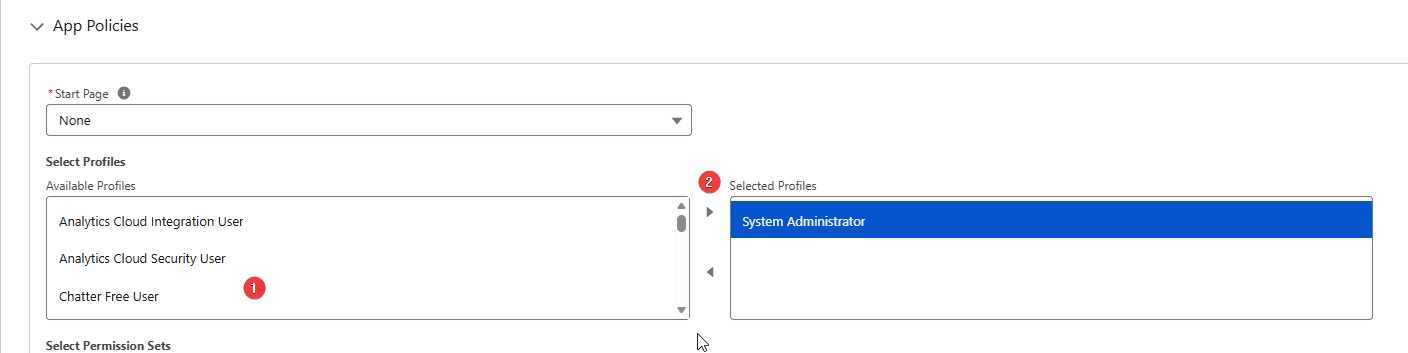
Finally, under App Policies, find System Administrator and move it from Available Profiles, to Selected Profiles
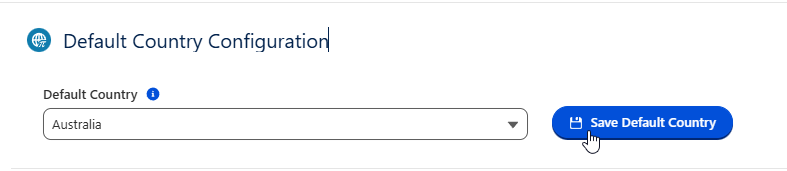
Setup Default Country
The default country is used by TrueDial as an initial basis for determining what country to parse a phone number against. If your Salesforce® Org only interacts with a single country, or you only need to validate numbers of a single country, you can set the Default Country and this will be used for all configurations. (Though it can be overridden per configuration if needed)
The Default Country will be set initially as the country associated to the Salesforce® Organisation as per Setup > Company Information
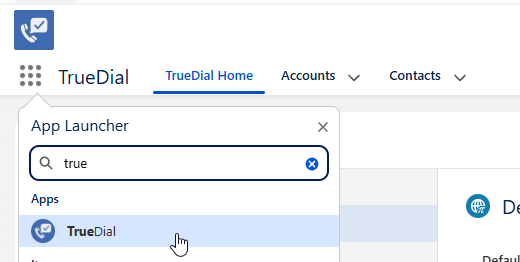
To change the Default Country, Navigate to the TrueDial App
Then, select a country, and click Save.